Repetition · Features
A walkthrough.
Every part of Repetition, in the order you'll meet it. Same flow as the in-app tutorial, told once on the open web.
Step 1
Create your affirmations.
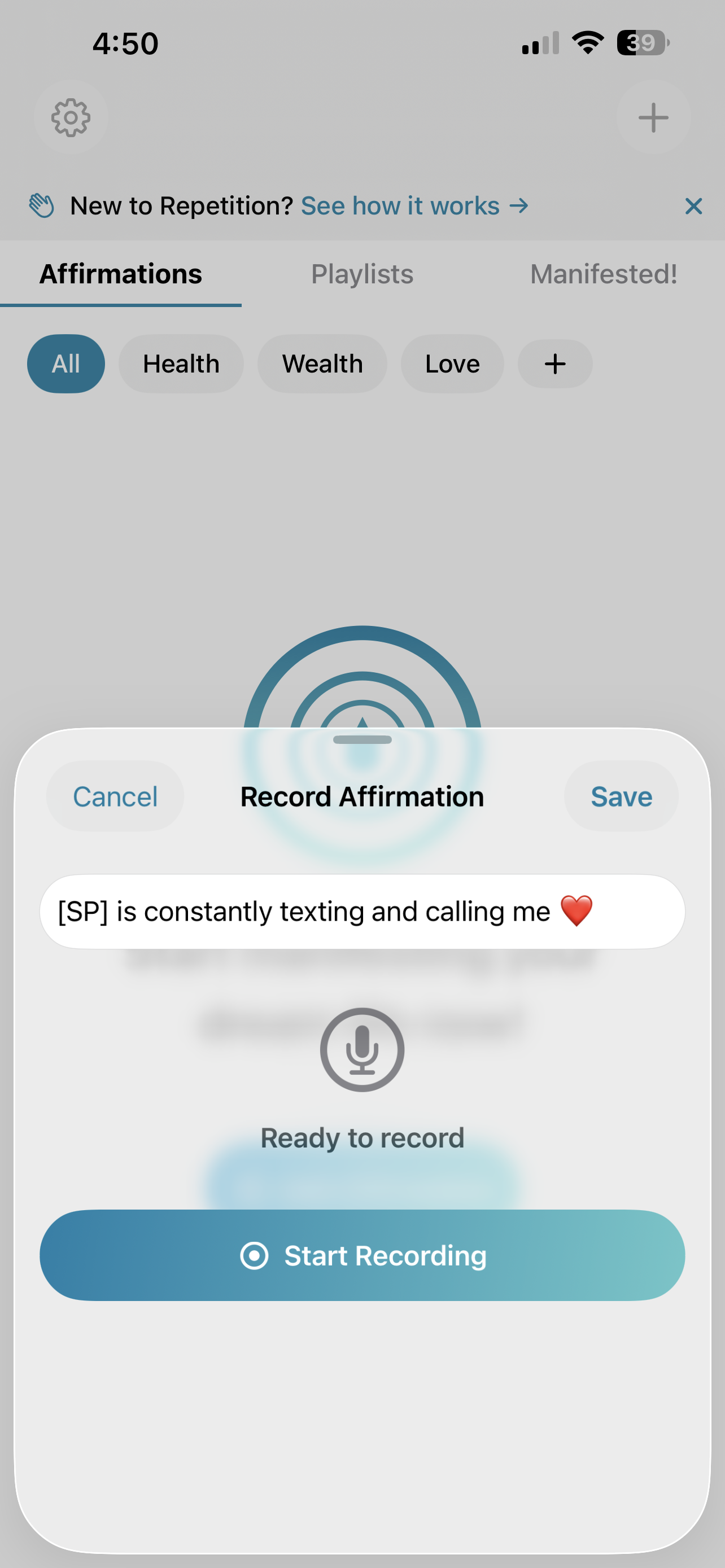
Tap the + button and start speaking your desires into existence. The secret ingredient? Make it feel real right now, like it's already yours. You'll know you're on the right track if saying your affirmation makes you smile or feel relaxed in your body.
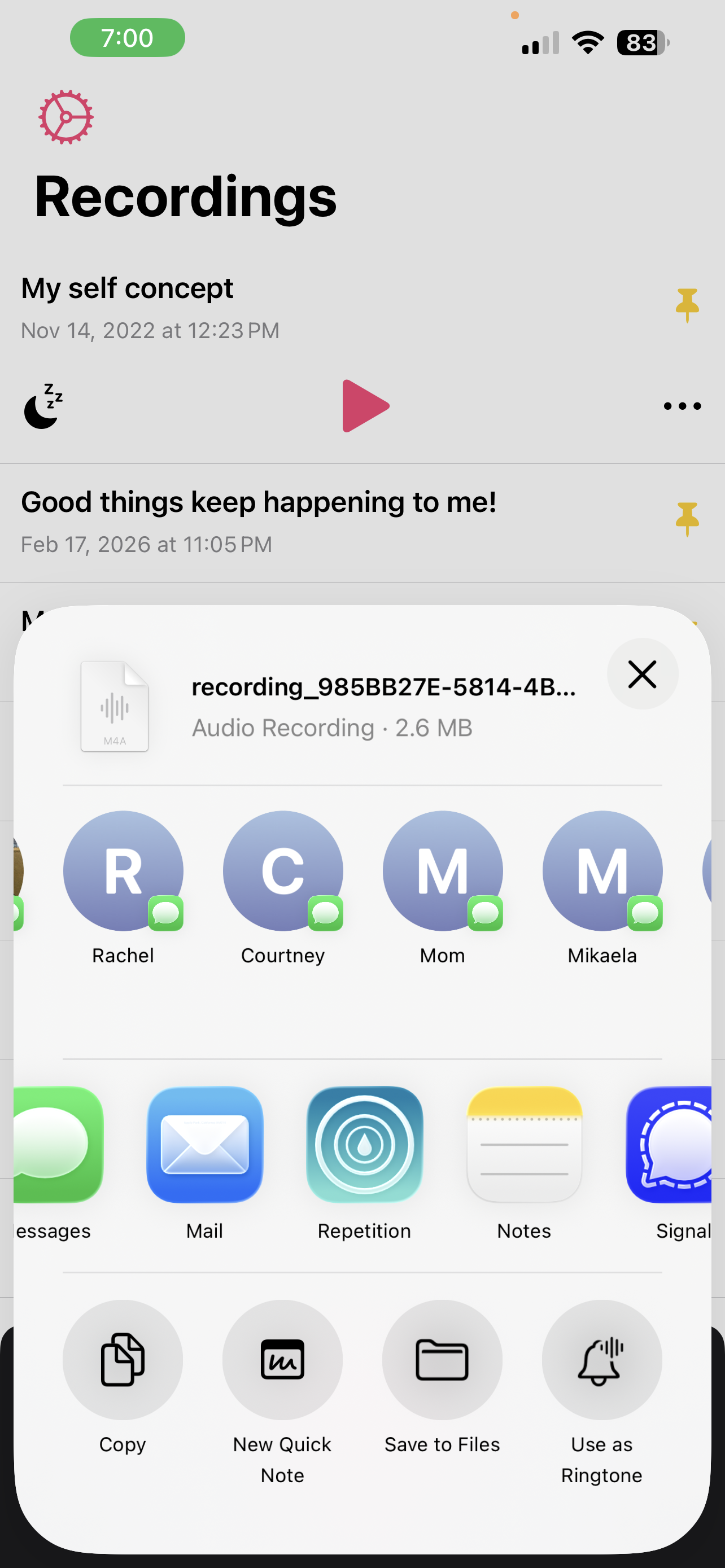
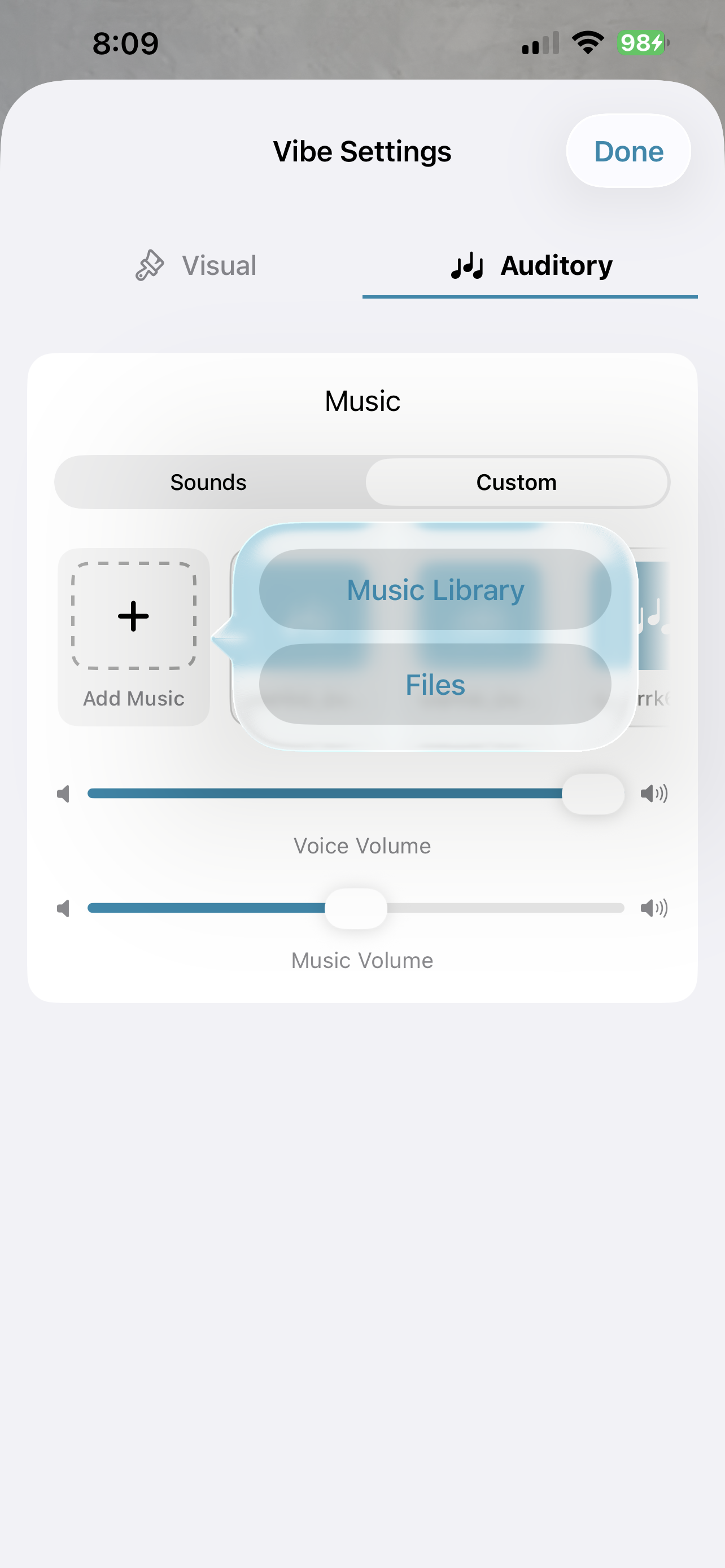
Already have affirmations in other apps? Don't start over. Bring everything with you — Voice Memos, Parrot, Files, or anywhere else that allows sharing. Just tap the Share button and select the Repetition icon.
Step 2
Organize without friction.
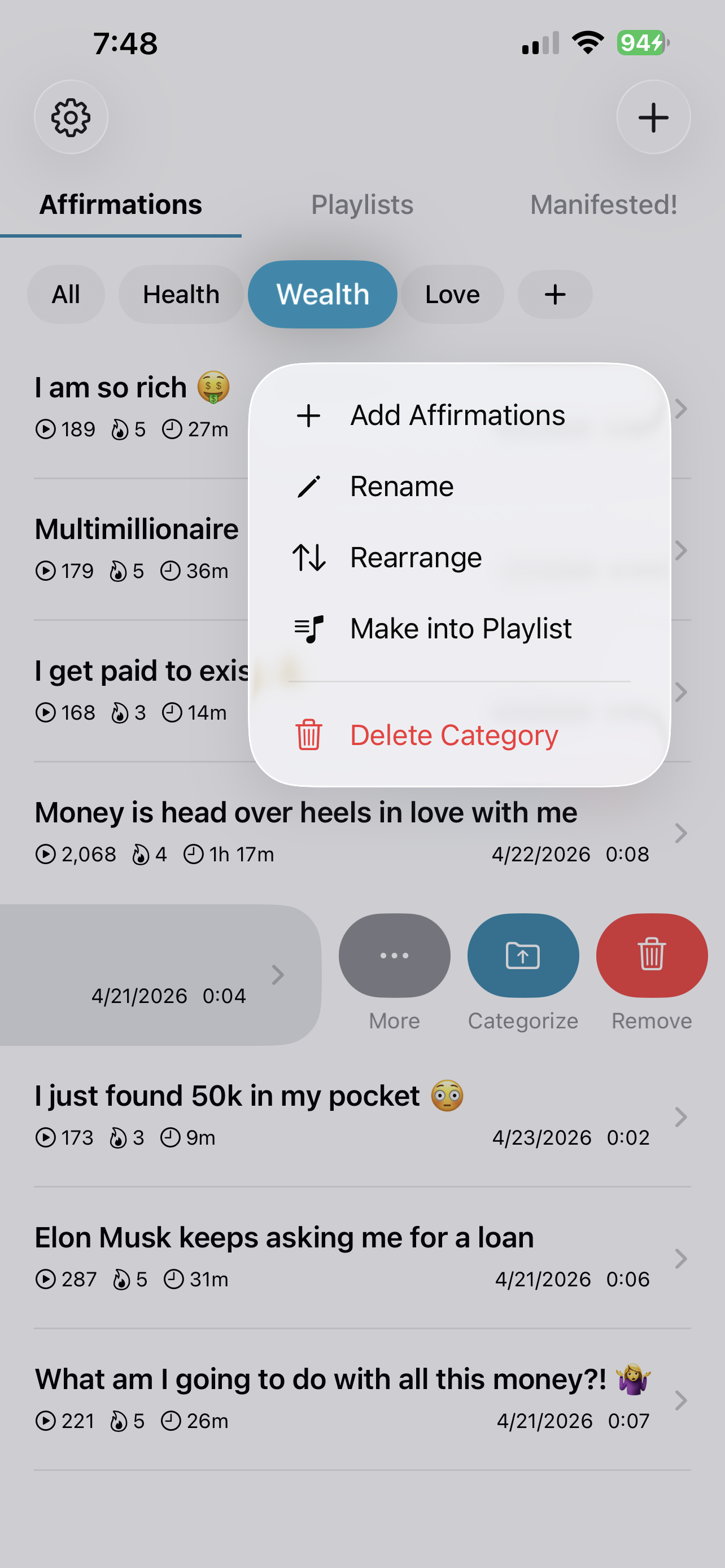
Keep things organized by grouping your affirmations into categories. Press and hold a category tab to add affirmations to it, rename it, rearrange categories, or turn it into a playlist. Reorder affirmations anytime by pressing, holding, and dragging them into place.
Step 3
Set up your affirmation pages.
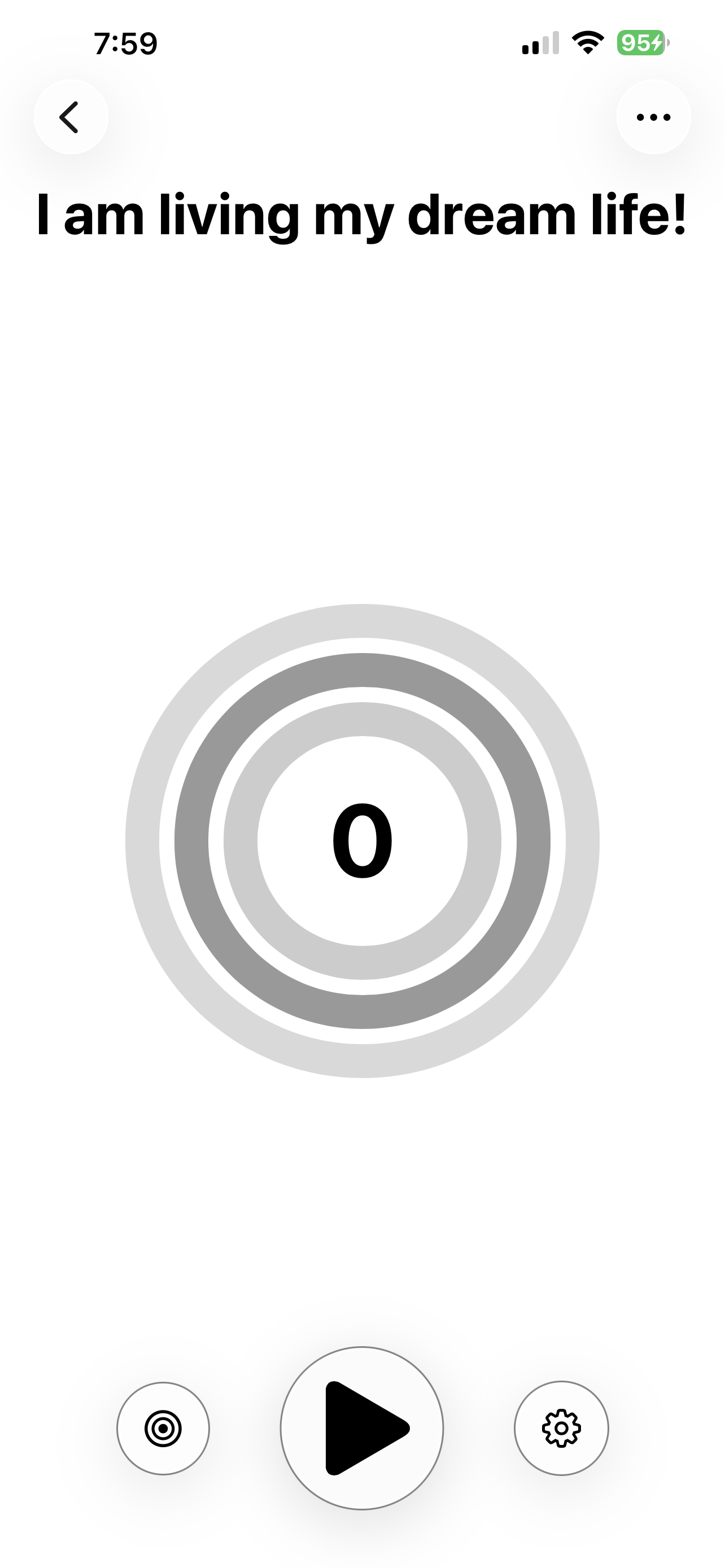
Tap any affirmation to open its page. This is where all the magic happens — play, count, and customize. Three rings track your session, your day, and your challenge so progress is always in sight.
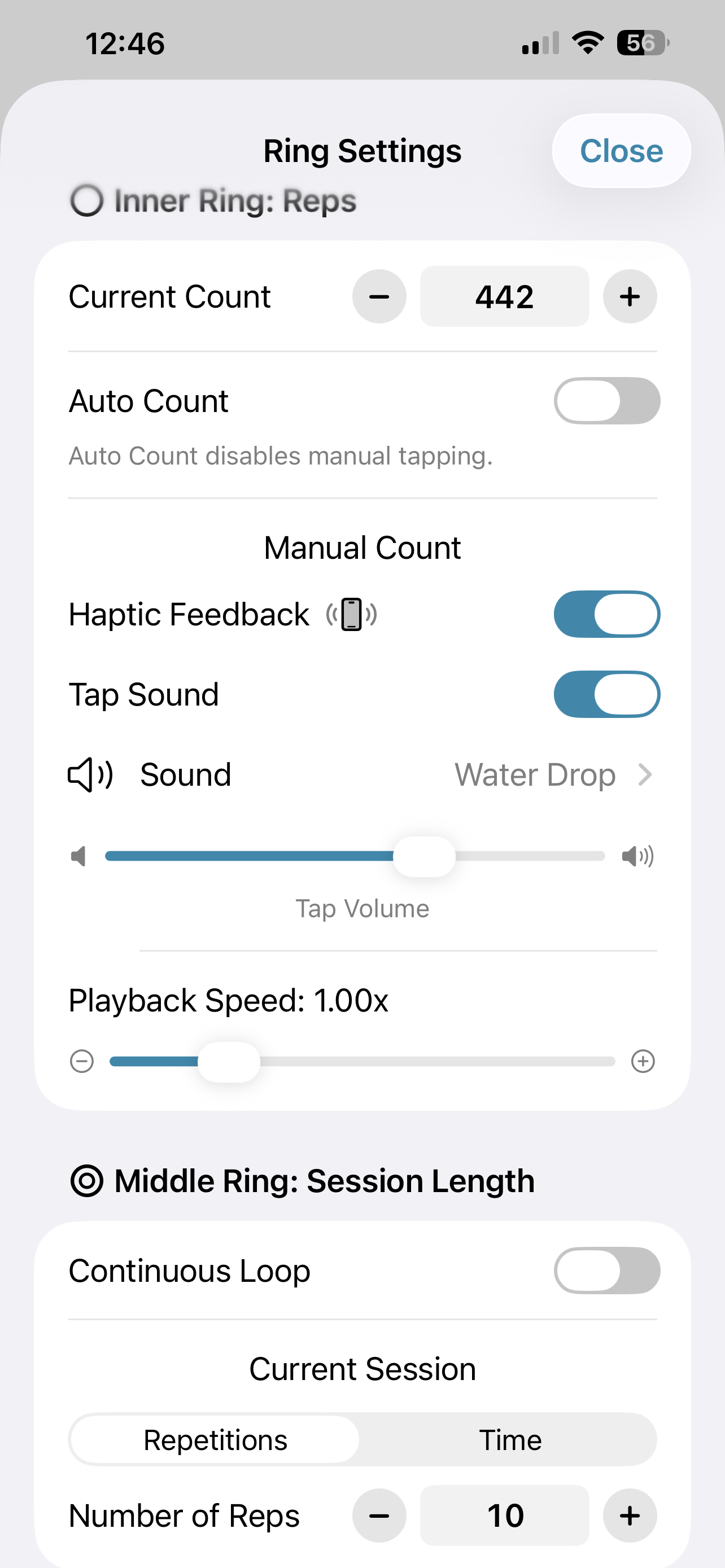
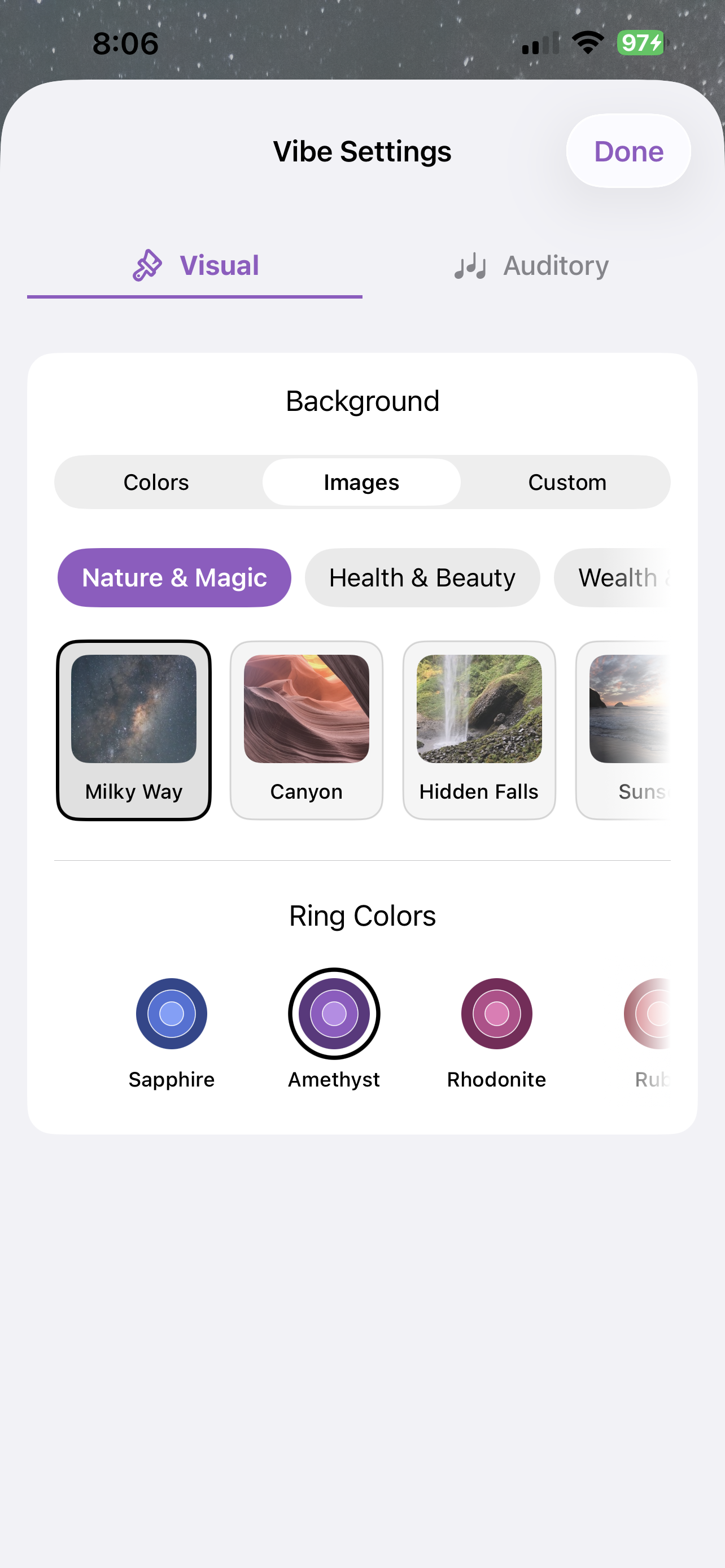
Two settings tabs shape every page. Ring Settings handles count mode, tap sounds, playback speed, session length, and self-set challenges (a number of reps, days, or total time). Vibe Settings handles background music, images, symbol patterns, and ring colors — bring your own when nothing built-in matches the mood.
Step 4
Create playlists.
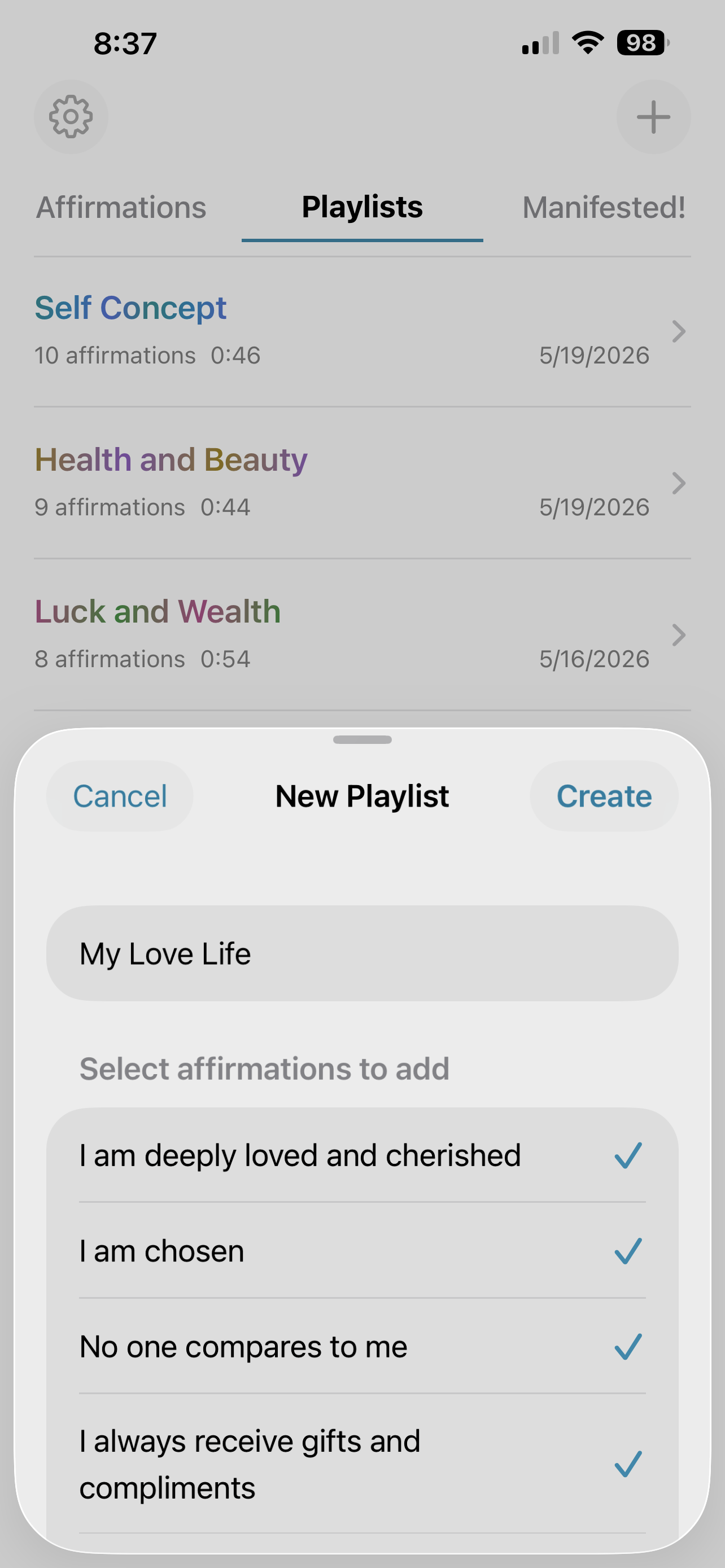
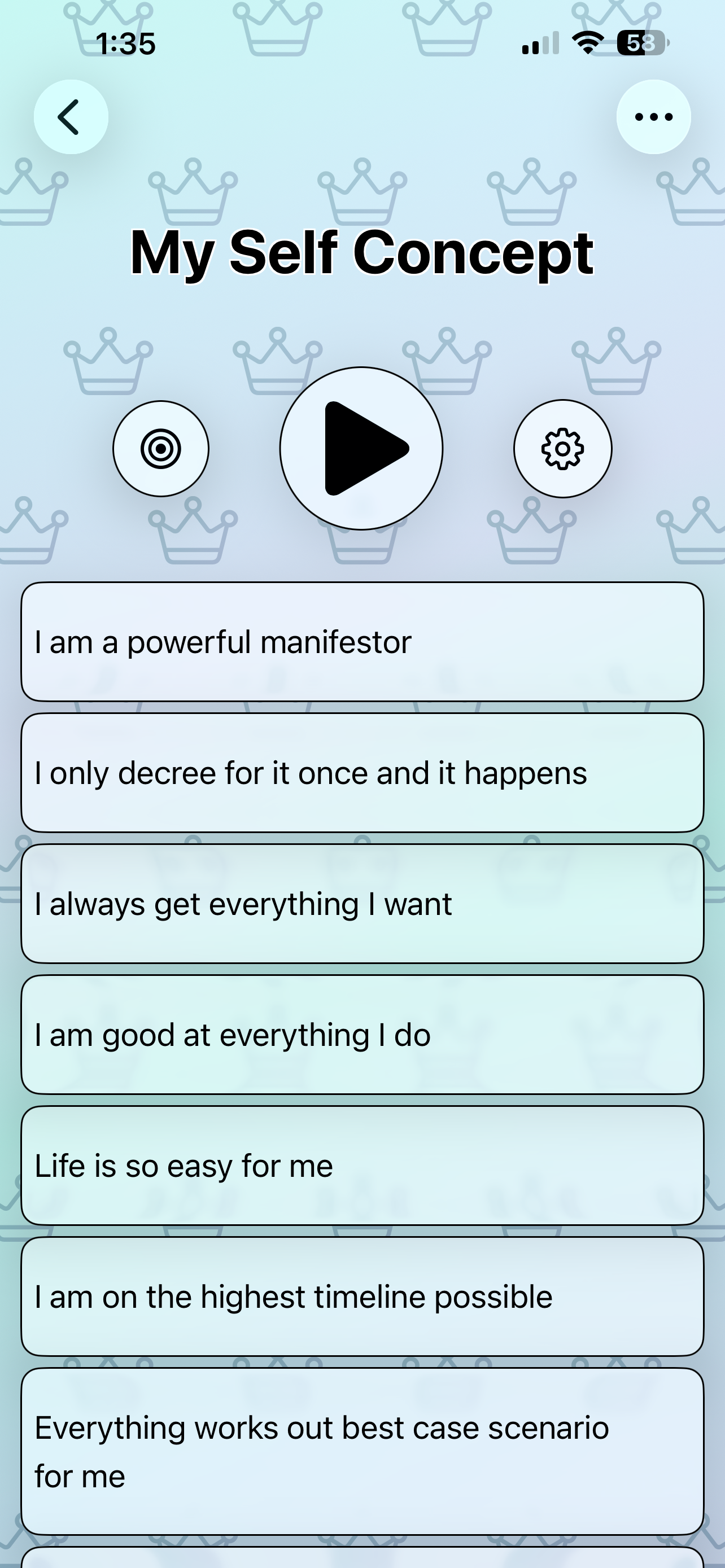
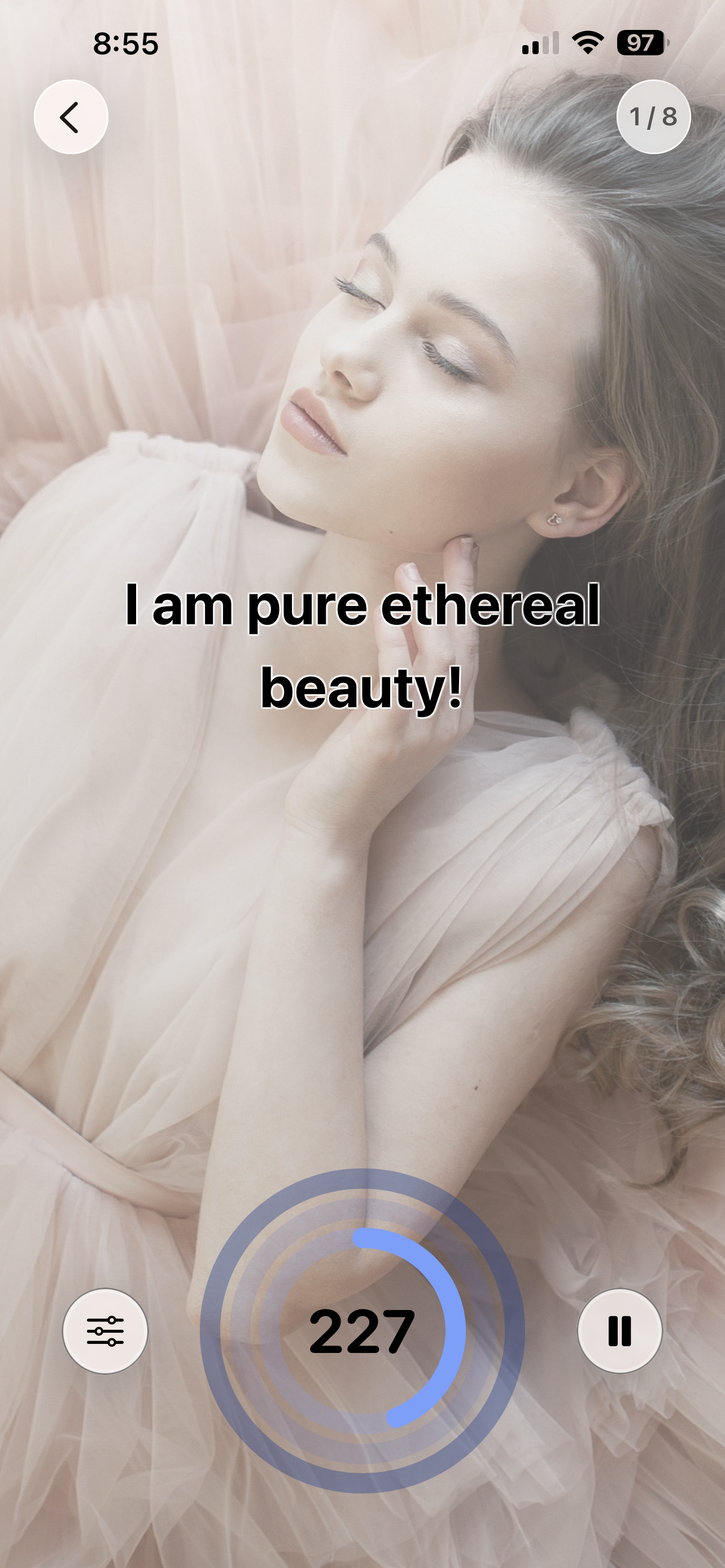
Group your affirmations into playlists and play them back-to-back for a powerful, uninterrupted session. Each playlist gets its own ring color, session length, and ambient music — and every affirmation slide carries the background image you chose for it, turning the playthrough into a mini vision board.
Step 5
Commit to your daily practice.
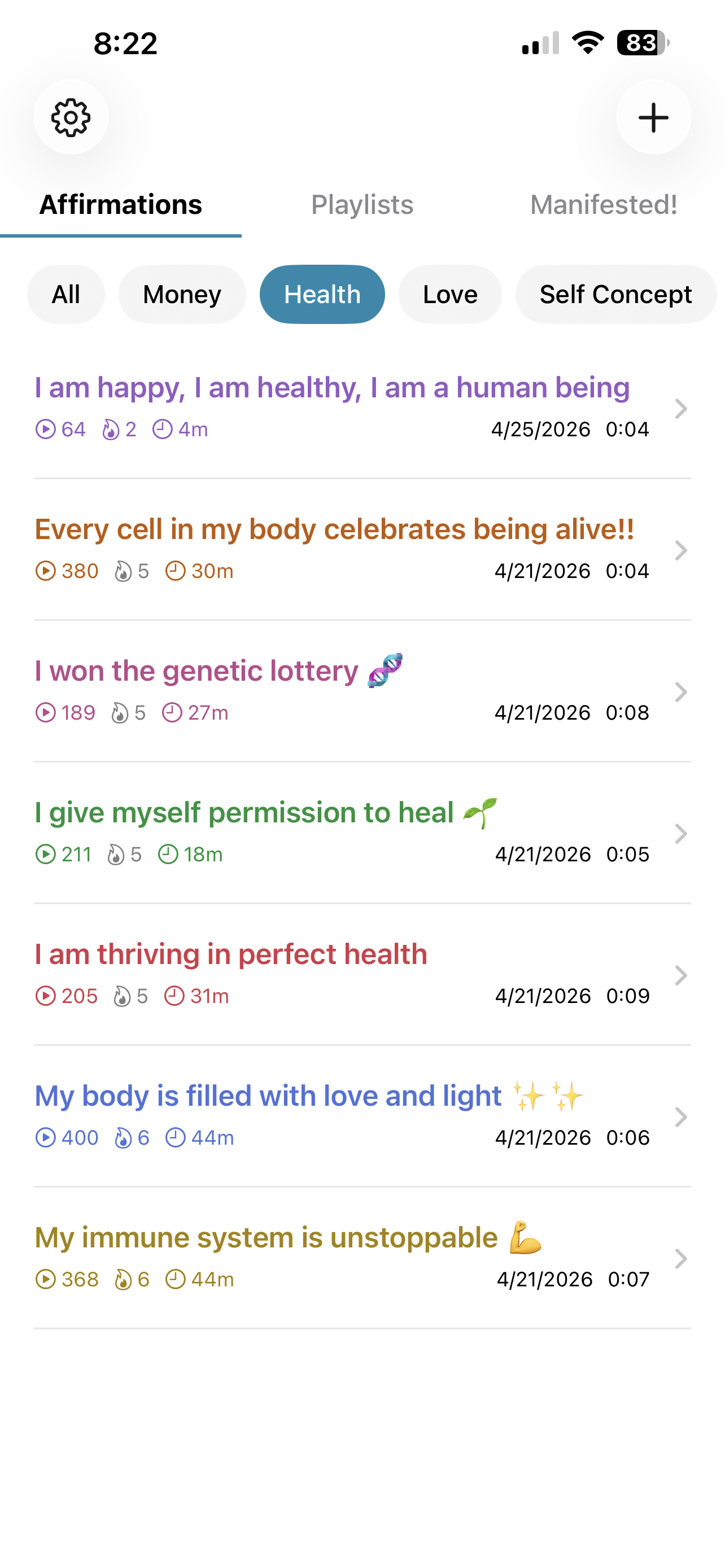
The key to successfully manifesting your dream life is to affirm daily — multiple times a day if possible. On the main page you'll find icons under each affirmation that show your count, streak, and time spent affirming. If the flame is gray, you haven't affirmed that day. Keep it lit.
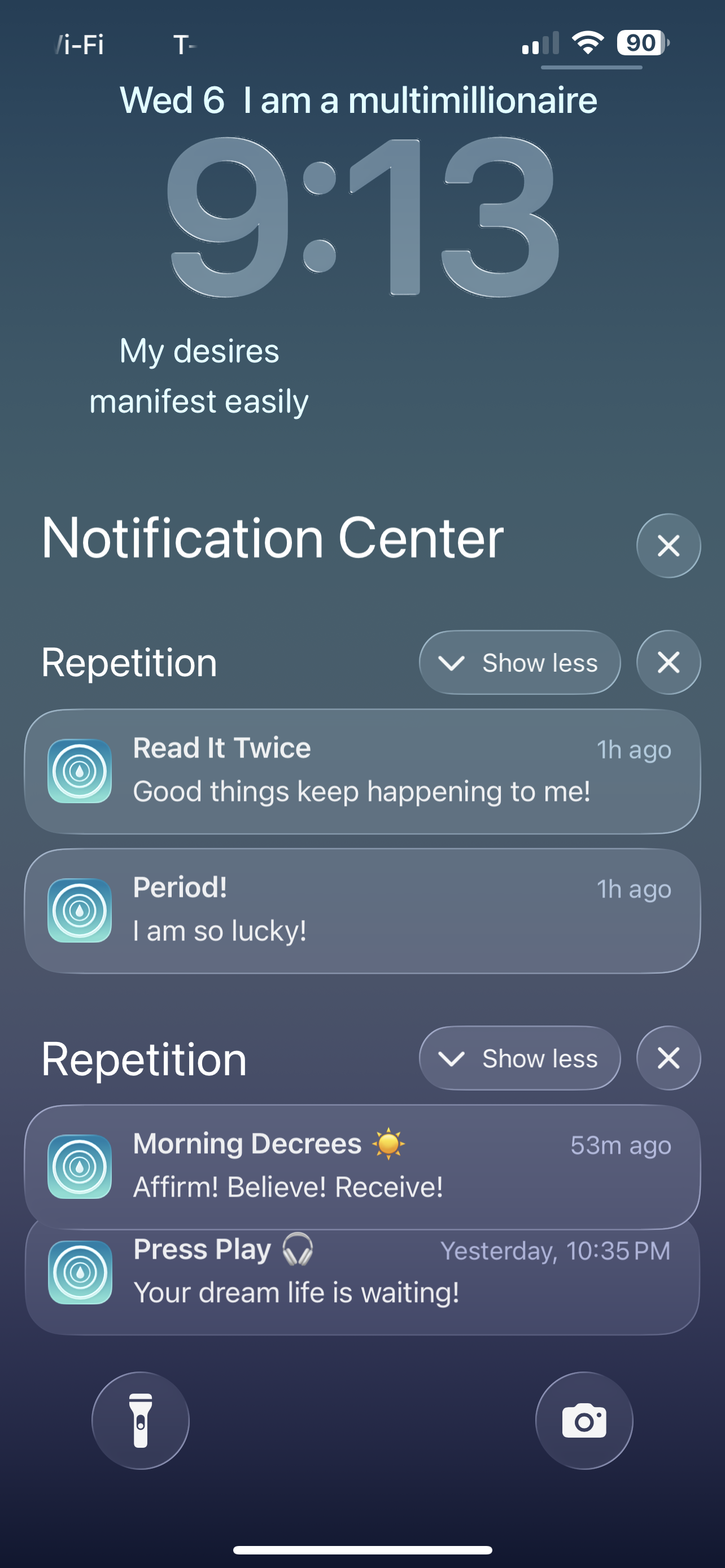
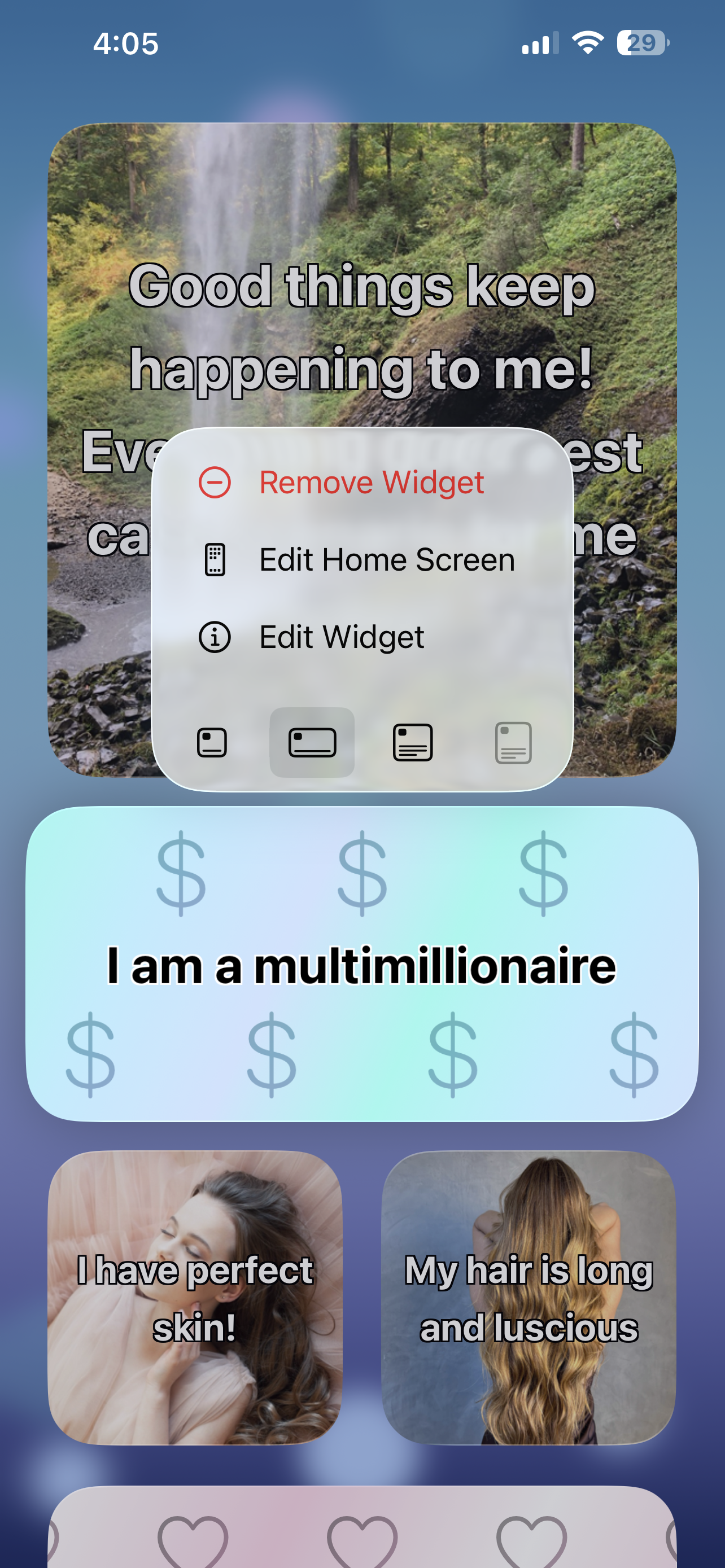
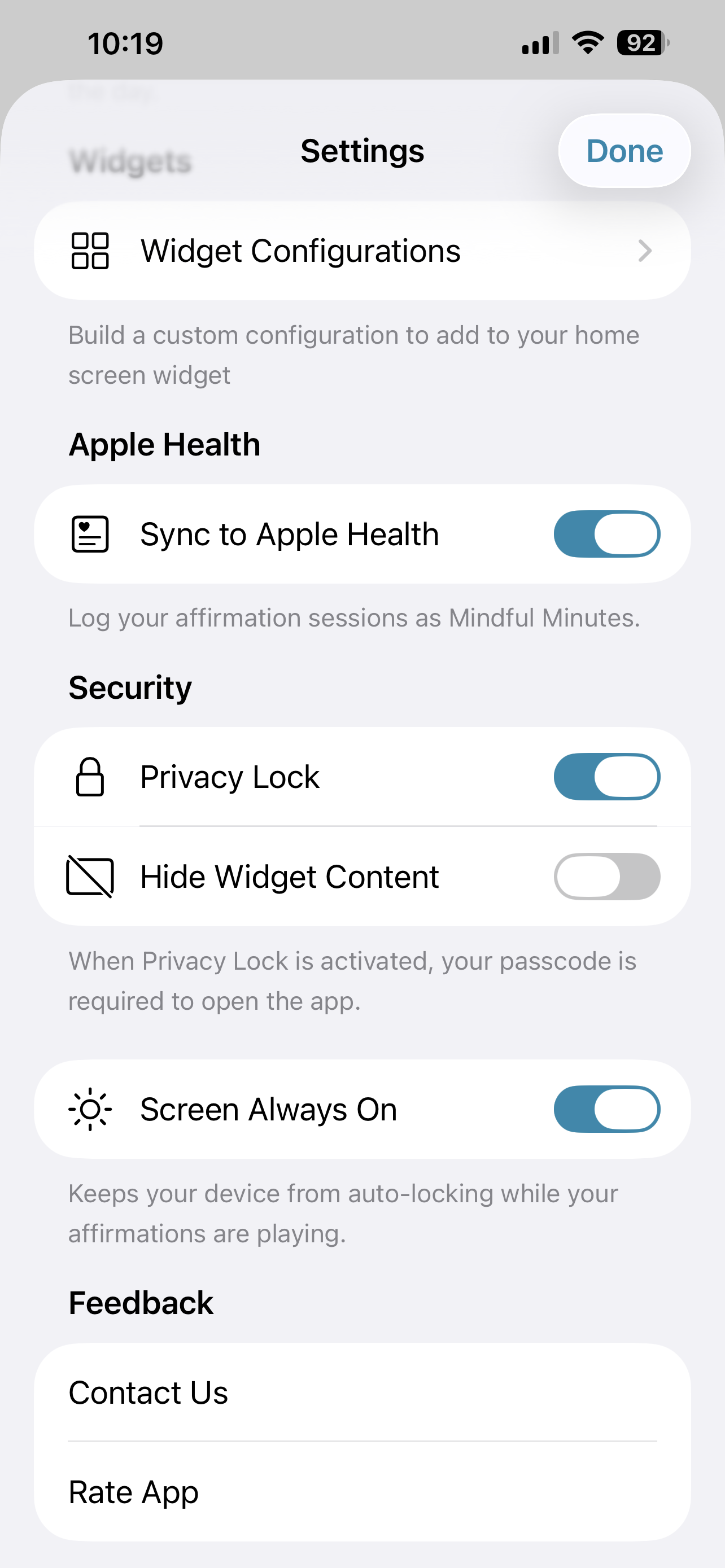
Daily reminders anchor a check-in. Streak reminders protect the flame before it fades. Affirmation reminders let your own words greet you throughout the day. Pick a notification sound for each. Add widgets to the Home Screen or Lock Screen — single affirmation or a custom rotation. Sync sessions to Apple Health as Mindful Minutes if you'd like. Use Screen Always On during playback. Lock your affirmations with a privacy lock so no one can peek.
Step 6
Celebrate your manifestations.
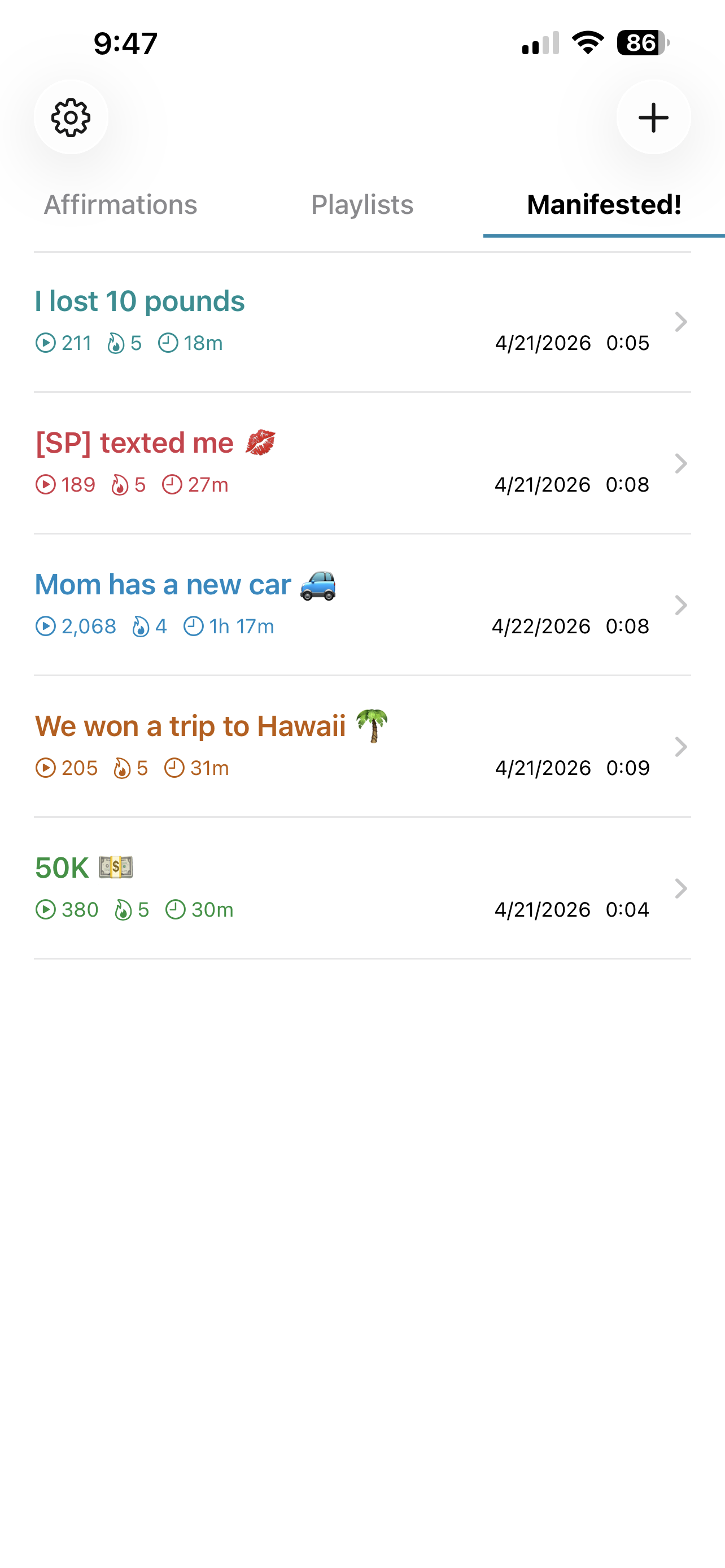
When your desire becomes reality, celebrate. Move the affirmation to Manifested! and find it again under the Manifested! tab — a permanent reminder of your power. Reactivate any one of them, anytime.
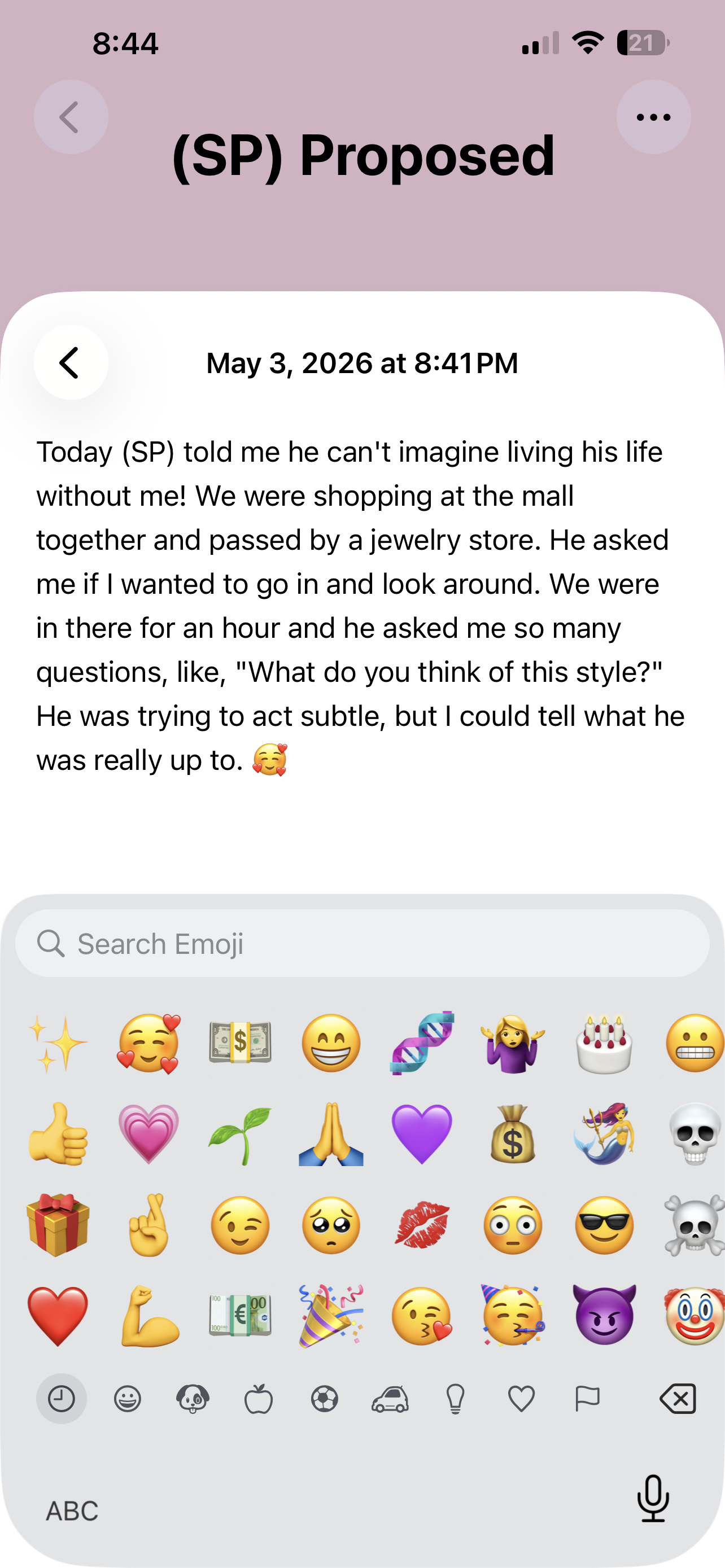
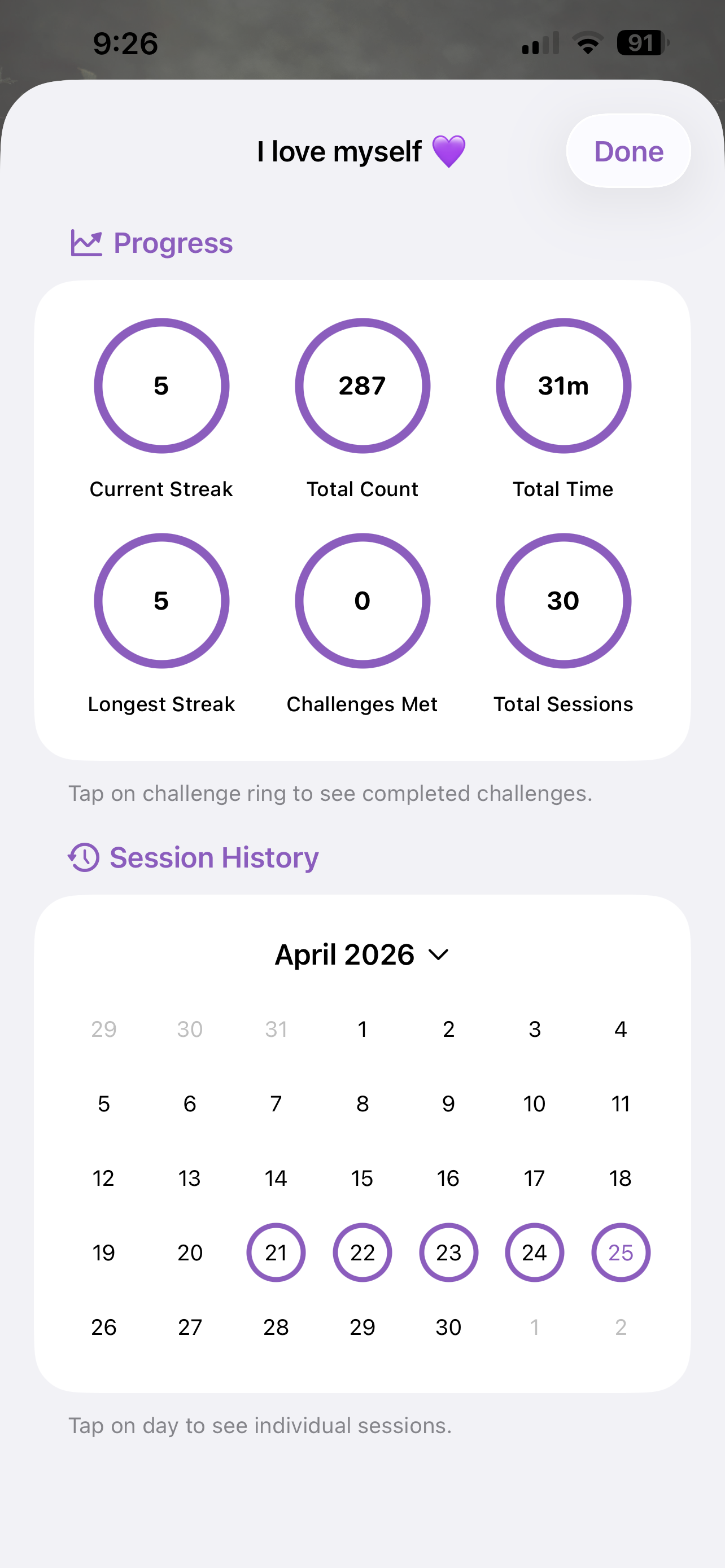
Each affirmation also has its own private journal, a sacred space for your reflections as your manifestation unfolds. Track total count, total time, session history, and challenge completions in Stats.
That's the whole walkthrough.
Ready to begin?
Free to download. Premium is a one-time purchase.